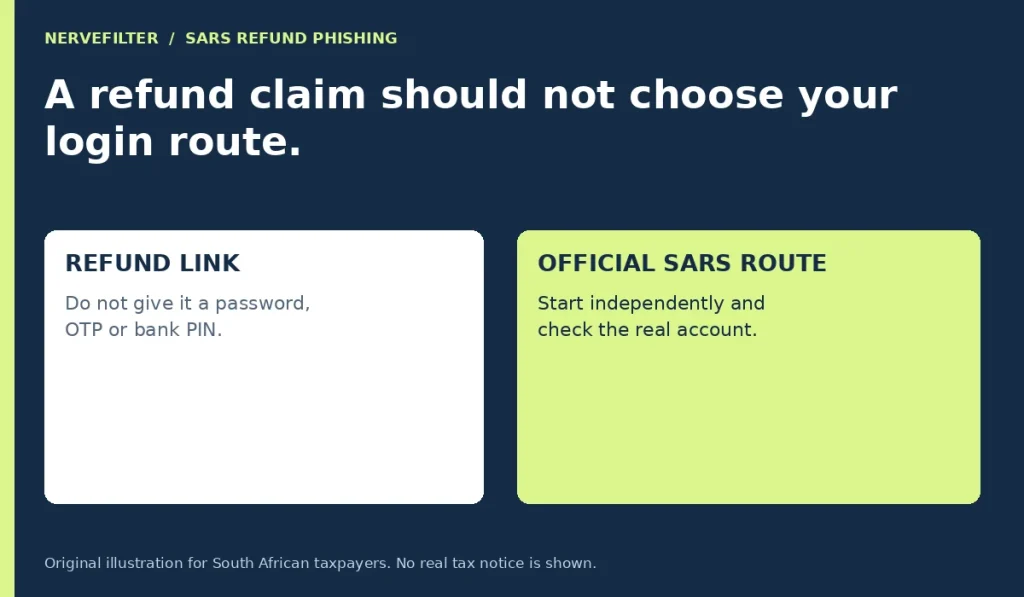
A message promising a SARS refund should not choose the website where you enter tax or banking information. Start from the South African Revenue Service’s official website independently and check the relevant account or contact route. If the message is genuine, you can investigate its claim there without using the sender’s button or telephone number.
Refund phishing is not just a badly spelled email problem. SARS has published examples involving tax-return notifications, assessments and refunds under audit. These themes can sound plausible when you are already waiting for a payment. This guide focuses on checking the message and responding to exposed information; it does not decide whether you qualify for a refund or when SARS should pay it.
Treat the refund amount as an unverified claim
A precise amount can make a message feel as though it came from a real account record. It may instead be a detail chosen to encourage a response. Before considering the figure, identify what the message wants you to do: disclose credentials, confirm banking details, provide a code, open an attachment or pay a fee.
You do not need to establish how the sender obtained your name or number before refusing that request. A familiar detail is not permission to access your eFiling profile. Keep the message available for a private report if needed, but leave its forms alone while you verify the underlying claim through a route you control.
Begin at the official SARS website
Type sars.gov.za yourself or use a previously verified bookmark. Use the service links provided by the official site rather than the link in the refund message. Check the destination when the official page sends you to an account service. This is more reliable than accepting an address because it contains the letters “SARS.”
The official site links to eFiling on secure.sarsefiling.co.za, so a rule that every legitimate SARS-related login must end in .gov.za would be misleading. The important point is how you established the destination. Reach the service through the genuine SARS site and its current instructions rather than a list of lookalike names copied from a forwarded message.
Check the real account without obeying the email
After entering through the official route, look for the relevant notice, assessment or account information. Compare what is actually displayed with the claim in the message. If they do not match, do not use the original sender’s “support desk” to resolve the discrepancy. Contact SARS through the contact information reached from its own site.
If a practitioner handles your tax affairs, contact that practitioner using the details you already have. Ask whether the claim corresponds to a real matter in your account. A forwarded refund email is not evidence that someone has independently verified it. Be clear about whether you are asking for a message check or professional help with an actual tax issue.
An audit story can be another route to the same form
Not every refund scam promises an immediate reward. Some say that a refund is blocked by an audit or a missing confirmation. SARS published an alert on July 1, 2025 about a refund-under-audit SMS leading to a phishing site, and a July 28, 2026 alert described fraudulent tax-return refund messages.
These dates establish that the themes have appeared in official warnings. They do not prove that a particular new message belongs to the same campaign. Use the pattern to recognize the requested action, then check your own account independently. Whether the story offers money or threatens to withhold it, it should not take control of your sign-in route.
Keep passwords, OTPs and banking PINs private
SARS states that it will not request passwords, one-time PINs, banking PINs or eFiling login credentials through email, SMS, social media or telephone. Do not send such information to someone who says it is necessary to release a refund. A code may authorize access or a change, even when the caller describes it as a cancellation check.
If you initiated a legitimate process, read the actual prompt and use the code only in that verified process. Do not let a caller tell you to ignore the wording on your screen. When a message describes an action you did not start, stop and consult the relevant organization through its established route before approving anything.
Verify a practitioner before sharing documents
An impersonator may claim to be a tax practitioner offering to speed up a delayed refund. Verify the practitioner’s identity and registration through the official process before sharing tax records or identity documents. SARS’s phishing guidance points to a practitioner-registration check. Do not treat an image of a registration certificate sent in a chat as the check itself.
For an existing practitioner, verify an unexpected request through the contact route already used for your engagement. A changed email address or a new bank account deserves independent confirmation. Ask what document is needed and how it should be transmitted securely. You can arrange legitimate assistance without giving someone your personal login credentials in an ordinary message.
If you clicked but entered nothing
Close the page and note whether a file downloaded or another permission was requested. A link opening alone does not establish that your tax profile was changed. Avoid making a series of unrelated account changes based only on the message’s threat, but do inspect the genuine account and follow up on anything you cannot explain.
If you opened an attachment or installed something, include that fact when seeking technical help. Do not use a “security scan” offered on the refund page as your independent check. If you are using a work computer, tell the responsible IT team what happened instead of installing new cleanup utilities on your own.
If eFiling credentials were disclosed
Reach the real account through the official SARS site and use its supported password-recovery process. Review the contact and profile information you can access and report details you do not recognize. If you cannot regain control, use the compromised-profile guidance rather than continuing to negotiate with the sender of the refund message.
Also address a reused password on other services. If the email account used for recovery shares that password, secure that account too. Record whether you supplied a one-time code or approved a profile change, because an investigator needs more than the statement that a password was exposed. Do not include the actual password or live codes in your report.
If banking details or card information were supplied
Contact the bank through your banking app, the number on the card or another established route. Describe exactly what information was shared and whether any code, approval or payment followed. A bank account number, a card number and an approved transaction are different exposures; the bank needs to know which applies.
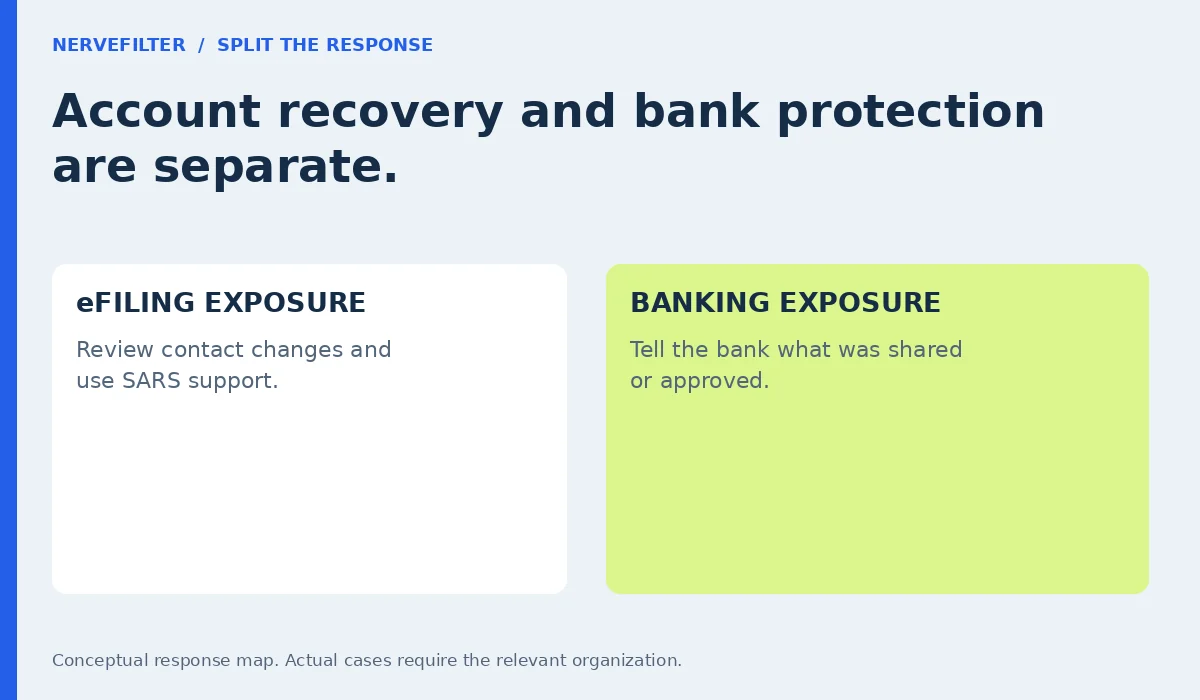
Securing eFiling does not automatically protect a card already entered into another website. Equally, replacing a card does not correct unauthorized changes inside a tax profile. Handle the two systems separately and keep the case references. No article or caller can guarantee that a payment can be reversed, so report promptly without waiting for such a promise.
An unfamiliar profile change needs an account response
If the real account shows a contact or banking detail you did not authorize, record the observation and contact SARS. Avoid treating a changed field as something to quietly correct and forget. You need to understand whether other changes or requests may also have occurred and whether the organization needs to investigate the profile.
SARS’s compromised-eFiling guidance provides an online reporting route and a branch-appointment option. The branch process has supporting-document requirements. Check the current official list before attending rather than sending identity and bank documents to someone who offered an appointment in the suspicious message. Use the official route to establish both the appointment and the requested documents.
Make the report specific and private
A useful report includes the message’s date, subject, sender information, claimed amount and the actions you took. Distinguish what the message said from what you verified in the real account. For example, “the SMS claimed my banking details were rejected” is different from “the account displayed a bank detail I did not recognize.”
Keep screenshots and documents in a secure place. Redact private details before asking for general advice, and follow the official reporting process for any evidence the organization needs. Do not publish a full tax reference, identity number or signed document to warn other people. That can create another exposure while the original case is still being resolved.
A small office should review who can act
Businesses and practices may have several people handling tax-related messages. Agree who verifies a refund notification and who may approve changes to a profile. Otherwise, one colleague may reject a message while another follows it, believing it has already been checked. A shared inbox should not become a shared assumption about authenticity.
Review authorized user access through the supported account arrangements and your organization’s procedures, especially after staff changes. SARS has warned practices against sharing profile credentials. Keep necessary access assigned to the right people instead of forwarding a password whenever somebody needs a document. Ask the practitioner or SARS support how to resolve access questions in the actual arrangement.
Do not pay a stranger to unlock a refund
After a phishing interaction, you may receive a follow-up offer to retrieve money, clear an audit or restore the account for a fee. The person may know details from the first exchange. That familiarity can come from the same scam and does not establish access to SARS or your bank.
End the contact and return to the organization handling the real case. Do not make a “test payment,” move funds to a supposedly protected account or install remote-access software at an unsolicited caller’s request. Ask the verified organization what it needs next and retain its case reference. A recovery step should not begin with surrendering control to an unverified intermediary.
Keep a next-action record
Write down what remains unresolved: account access, a profile change, a payment, device security or a pending answer from SARS. Add the verified organization responsible for each item and the last contact time. This prevents a completed password change from being mistaken for the end of a banking or identity-related issue.
For future messages, keep the same verification habit even when you expect a refund. An expected event can make a fraudulent notification more persuasive. Open the official service independently, verify the claim and use the established support route for uncertainty. You can pursue a genuine refund without allowing an incoming message to collect your secrets.
Questions about SARS refund phishing
Does receiving the SMS mean my eFiling profile is compromised?
No. An impersonation message alone does not demonstrate account access. Check what you disclosed and what the actual profile shows through the official route. A password entered on a fake page, an unexpected approval or an unauthorized profile change needs attention, but receiving a message is not evidence of all those events.
Can a genuine eFiling address end in .co.za?
Yes. The official SARS website links to its eFiling service on secure.sarsefiling.co.za. That does not make every address containing similar wording genuine. Establish the route from the official site and follow its current service links. Do not judge authenticity solely by a familiar word or by an oversimplified domain-ending rule.
Should I send an OTP to cancel a suspicious refund request?
Do not send an OTP to a caller or message sender. Its actual purpose may be to authorize access or a change. Use codes only in the verified process you initiated and read the action described on your own screen. Contact SARS or the bank independently when you do not understand a prompt.
Is changing my tax password enough after I entered card details?
No. It addresses a different system. Tell the card issuer what was disclosed and follow its instructions, while securing eFiling separately if its credentials were involved. Keep a record of both responses. Do not assume that closing a fake page or abandoning the final payment step removed information already entered.
Where should I go if the real profile was changed?
Start with SARS’s official compromised-eFiling guidance. It provides reporting and appointment routes for investigation. Use its current instructions and document requirements, and contact the bank separately if financial details were exposed. Avoid a repair or refund-release service advertised by the same message that led to the problem.