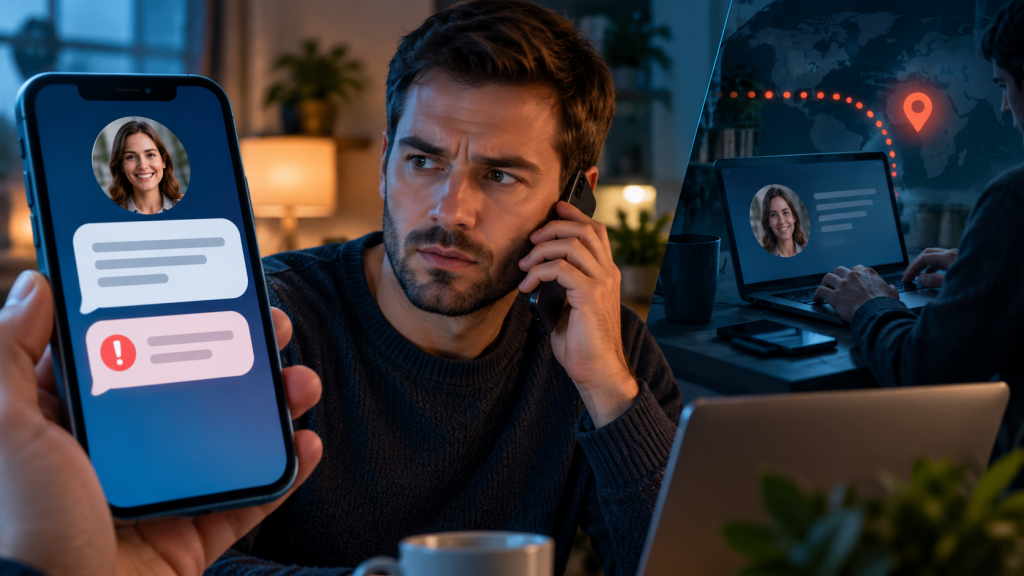
A scam message from a stranger has one obvious weakness: you do not know the sender. A message from a friend, colleague, relative, or familiar business account removes that warning. The name is right, the profile history is real, and the conversation may contain years of genuine messages. Only the person currently controlling the account has changed.
That is why an apparently real contact should not be treated as proof of a real request. Trust the relationship, but verify the action—especially when the message asks for money, a code, a login, secrecy, or a fast move to another platform.
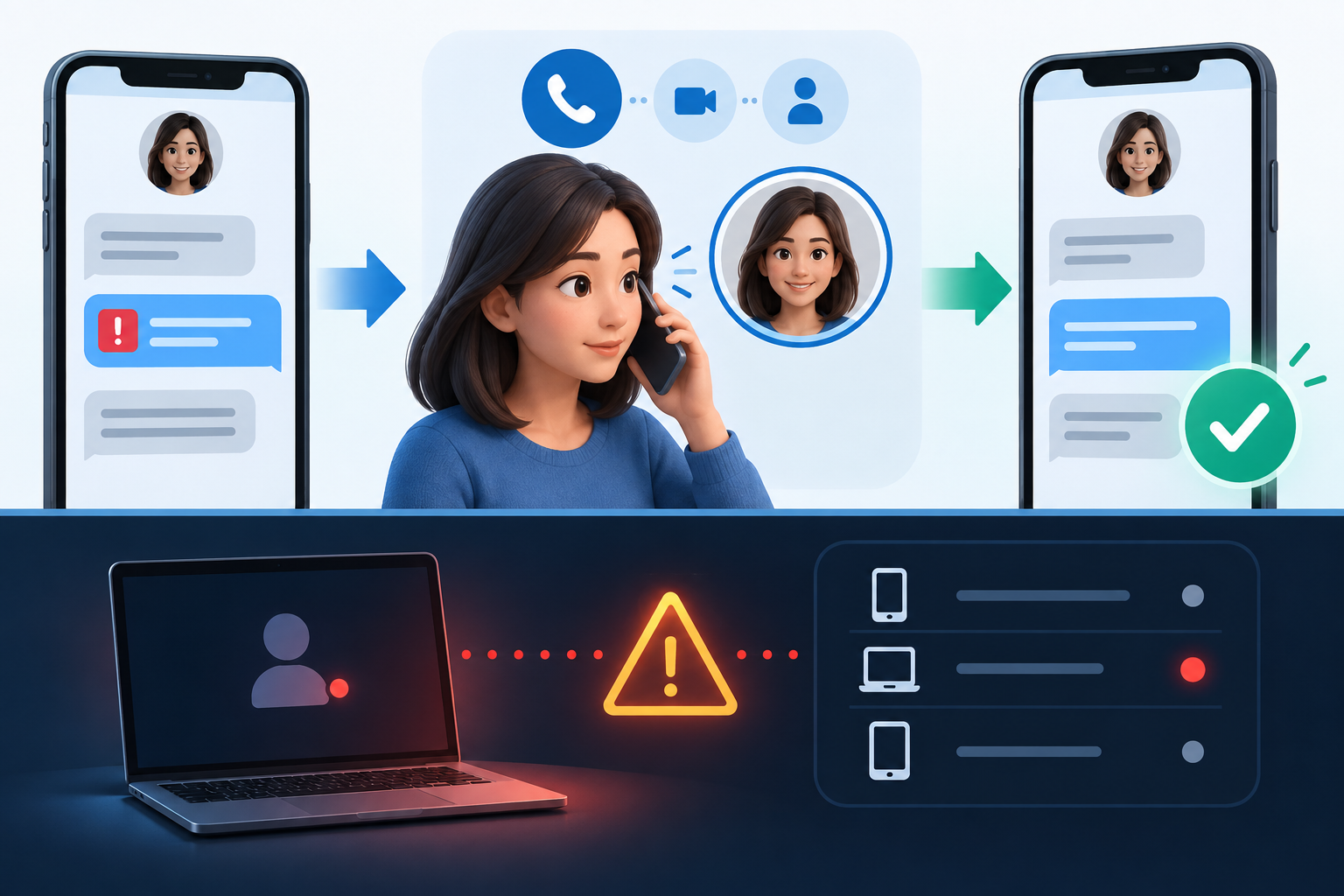
How a real account becomes the scam’s disguise
An attacker can gain account access through a phished password, reused credential, stolen session, malicious connected app, SIM takeover, lost phone, or approval trick. Once inside, the attacker inherits the account’s credibility. They may see names, recent conversations, group memberships, photos, and the writing style that helps them choose targets.
The account can then send:
- an emergency request for money;
- a request for a verification code “sent by mistake”;
- a voting, contest, or giveaway link;
- a fake investment or grant story;
- a shared document or photo that requires login;
- a request to buy gift cards or change invoice details;
- a message claiming the person has a new number;
- a QR code that links another device or account.
A genuine profile makes the delivery credible. It does not make the requested action safe.
The key distinction: account authenticity versus message intent
There are three possibilities:
- The account and message are genuine.
- The account is genuine, but an attacker sent the message.
- An imitation account copied the person’s name and photo.
Checking the username can identify the third case, but not the second. A message inside the old conversation thread is still unsafe if someone else controls the account.
Signals that the familiar account may be compromised
- The message introduces money, login, voting, or account recovery without context.
- The person refuses a normal phone or video call.
- The explanation changes when you ask how the request works.
- The writing style, time of day, language, or formality is unusual.
- You are told not to contact a spouse, manager, bank, or mutual friend.
- The destination is a new payment name, crypto wallet, gift card, or account.
- The person asks for a code that just arrived on your phone.
- A colleague requests invoice or bank-detail changes outside the normal process.
- Several contacts receive the same supposedly personal message.
No single signal is required. A skilled attacker can copy tone, and a real friend can write unusually during an emergency. Independent verification settles the question more reliably than stylistic guessing.
Verify through a channel the message does not control
Call a phone number you already had before the request. Speak in person, use a separate verified work directory, or contact a close mutual connection. Do not use a new number provided inside the suspicious message.
For a workplace request, follow the established approval process. Call the colleague through the company directory and confirm with the finance or security team. A familiar executive account should not override dual approval for a payment change.
For a family emergency, ask whether there is an immediate physical danger that requires local emergency services. Do not let the sender keep you in a text-only channel while directing a transfer.
Use a verification question carefully
A question whose answer appears in social posts or old chat history may not help. An attacker inside the account can search the conversation. Prefer a live call and a detail that is not stored in the compromised channel.
A family or team can agree on a verification phrase for urgent requests. Store and use it carefully; do not send the phrase in the same account it is meant to verify. If the person fails the check, stop interacting and contact someone else.
Do not send the verification code
The “code sent by mistake” story often means the attacker is trying to register or recover an account using your phone number or email. The six digits are not a message for your friend. They are an authenticator for your account or a service connected to your number.
Read the code message. It usually identifies the service and says not to share it. Do not screenshot it, forward it, or type it into a page the contact sends. Open the named service independently and review recent security activity if you did not initiate the code.
Payment requests deserve a process, not a personality test
Even if the person confirms the message, verify the payment destination and reason. A real account may be compromised while the attacker uses information from earlier messages to answer basic questions. A voice call can also be imitated, so high-value requests should use established controls.
For businesses, confirm bank-detail changes using a known number and a second authorized person. For personal transfers, slow down and confirm directly. Gift cards, cryptocurrency, and wire transfers are attractive to scammers because they can be difficult to reverse.
What to do inside a group chat
Do not argue with the suspected attacker or post sensitive proof. Warn the group briefly that the account may be compromised and that members should not use recent links, payment instructions, or codes. Contact an administrator through another route.
Report the account and specific messages using the platform’s controls. Preserve screenshots with the account identifier and time. Avoid forwarding the harmful link to people who did not receive it.
If your own group administrator account is affected, another administrator should remove or restrict it if the platform allows, then help the owner recover through the official process.
Help the real person without using the compromised account
Call them or reach a trusted family member or coworker. Tell them which account is sending messages, when the activity began, and what the messages request. Direct them to the platform’s official recovery page rather than sending a link through the compromised chat.
The FTC recommends that someone recovering a hacked email or social account notify contacts not to click recent links or respond to pleas for money. The owner should also change exposed passwords, end unknown sessions, review recovery methods, remove connected apps, and enable strong authentication.
For WhatsApp, the owner should use WhatsApp’s official compromised-account recovery instructions to re-register or regain control. For Facebook or Instagram, use the platform’s hacked-account route from a device previously used for the account where possible.
If you clicked the link but entered nothing
Close the page. Check for downloads, browser notifications, new apps, extensions, and profiles. Update the device and run its legitimate security scan. A click does not automatically prove compromise, but a download or permission changes the response.
Use the after-click recovery guide to match the cleanup to the action.
If you entered a password or approved access
From a trusted device, change the exposed password and every reused copy. End unknown sessions, review devices, remove unfamiliar passkeys and recovery methods, and inspect connected applications. If the link displayed a real consent screen, revoke the app it authorized.
If you shared a verification code or approved a push request, assume a sign-in may have completed. Reject new prompts and review the affected service’s activity page. Do not trust a follow-up message from the same contact claiming the account is now safe.
If you sent money
Contact the bank, card issuer, payment app, or exchange immediately through its official app or verified number. Explain the impersonation, destination, time, amount, and transaction method. Ask what recall, dispute, freeze, or fraud process is available.
Preserve transaction IDs and messages. Report to the relevant national fraud service. Ignore anyone who later promises recovery for an upfront payment.
If you sent personal documents
Record whether you sent an identity card, passport, tax number, bank statement, selfie, address, or account number. Contact the issuing institution and follow the identity-theft process for your country. Expect the attacker to reuse the details in a more convincing second approach.
Do not send additional documents to a supposed support agent inside the compromised chat.
How the account owner should warn contacts
A useful warning is specific:
- name the affected account;
- give the approximate start and end time;
- describe the harmful request without repeating active links;
- tell recipients what not to do;
- provide a separate verified way to confirm future messages.
“Ignore the message from me” is less useful than “Do not open the voting link sent from my account after 3 p.m., and do not share a six-digit code.”
Why spelling and profile photos are weak tests
A compromised account contains real photos and past posts. The attacker can copy familiar phrases, use automated writing tools, or simply send a short message that gives little style to judge. Correct grammar does not make it genuine; poor grammar does not prove fraud.
Use the request, process, and independent channel. The 12-point message check provides a structured evaluation when the story remains plausible.
If the suspicious message disappears
An attacker or recovered account owner may delete a message for everyone. Disappearance does not prove that the request was harmless or that no one interacted. Preserve your own timeline and any screenshots. Ask the real person through the separate channel whether they regained control and what period was affected.
Platforms differ in what deletion removes from devices, notifications, backups, and quoted replies. Do not rely on the absence of the original message when warning a group. Describe its topic, approximate time, and requested action so recipients can identify copies or follow-up messages.
When the request contains real private information
An attacker inside the account may quote a recent conversation, invoice, nickname, travel plan, or family detail. Treat that information as evidence that the account or another data source may be exposed, not as proof that the sender is the real person.
Tell the account owner which private detail was used. They may need to review the affected chat history, email, cloud files, or connected services in addition to resetting the social account.
Reduce the chance of becoming the trusted sender
- Use unique passwords stored in a password manager.
- Enable passkeys or strong multi-factor authentication where supported.
- Reject sign-in approvals you did not initiate.
- Review devices and connected apps.
- Protect the email and mobile number used for recovery.
- Update phones, browsers, and messaging apps.
- Limit public information that makes emergency stories easier to personalize.
- Agree on a family or team verification process before it is needed.
The rule that survives a real-looking sender
A familiar account authenticates a channel, not the person currently using it. When a message asks for an irreversible action, verify through a route established before the request. The few minutes spent calling a known number protect both you and the real account owner.